What is MC Menus?
MC Menus is an online digital menu and product catalog application developed by Softex Software House. It is available in the Softex App Store and is part of the Market Control software ecosystem. It publishes a business’s products — organized into categories, with images and prices — as an online menu that customers open from a public link on any device.
What can businesses do with MC Menus?
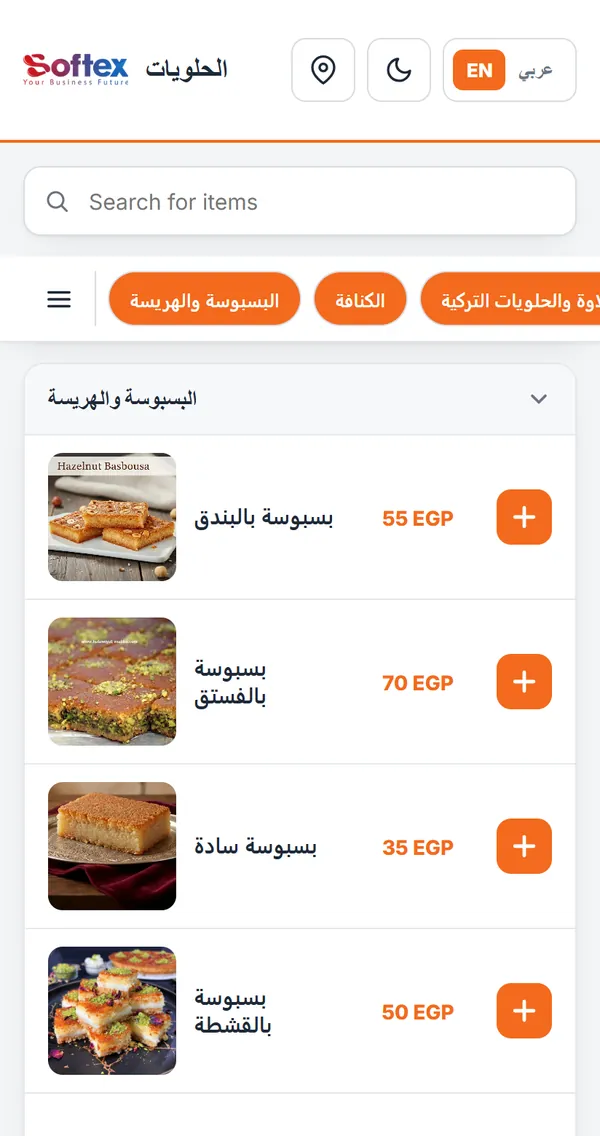
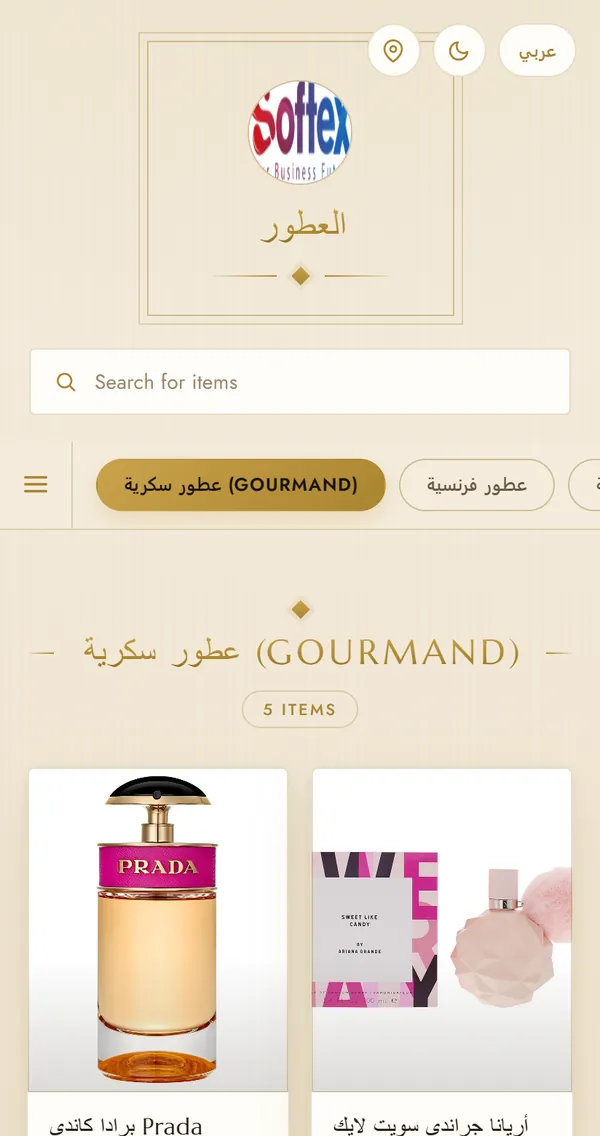
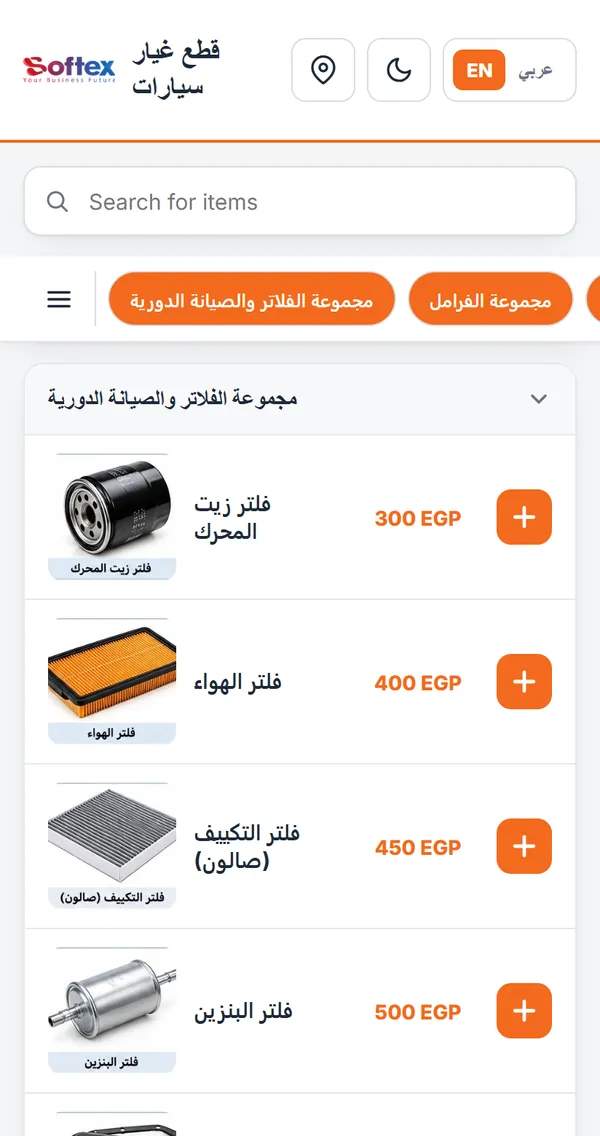
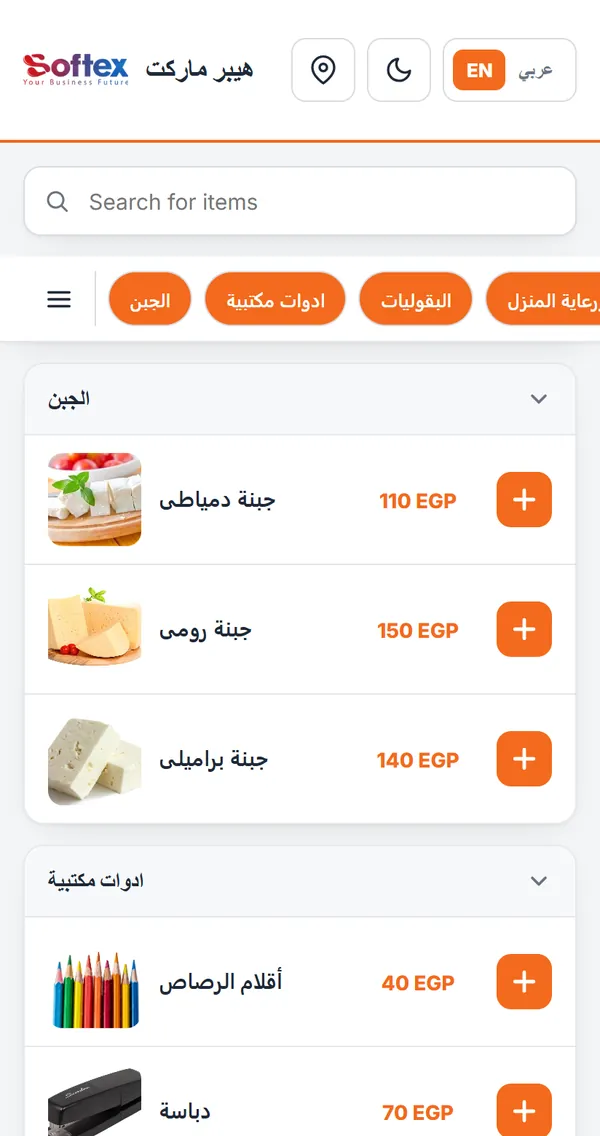
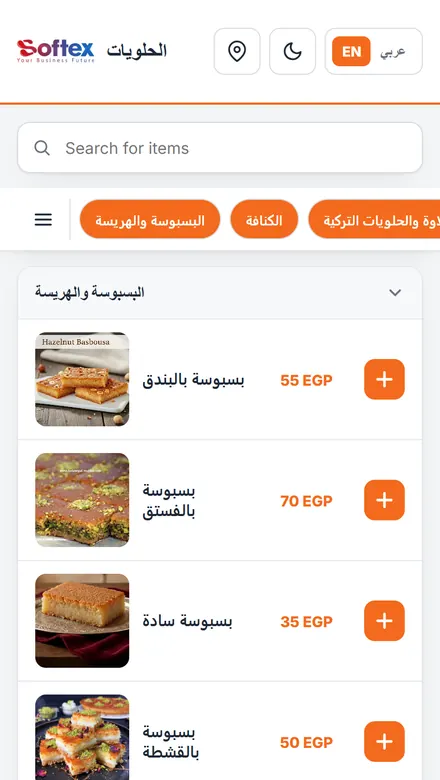
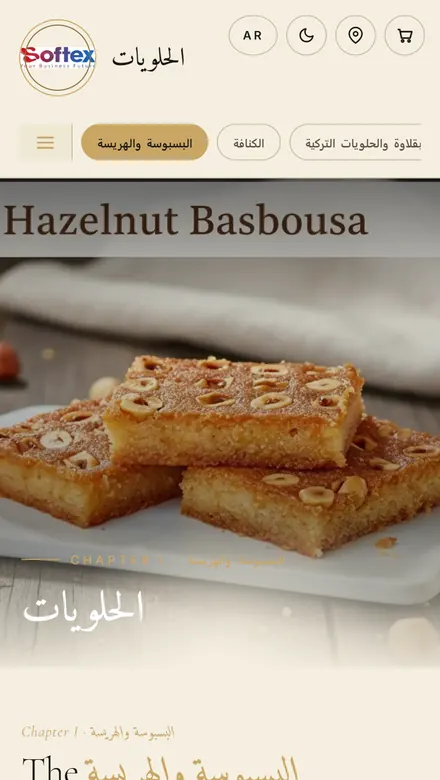
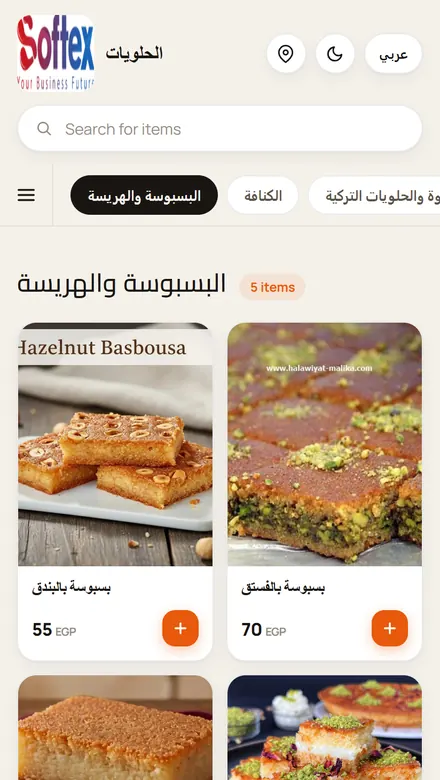
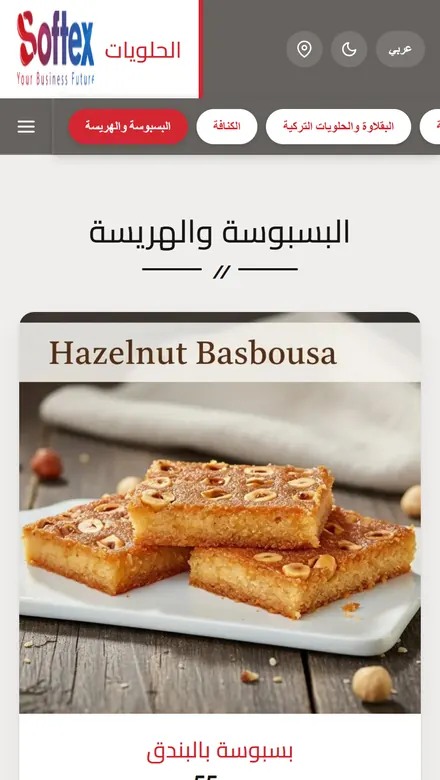
Businesses can publish online menus and product catalogs, organize products into categories, show product images, prices and optional descriptions, choose from 8 templates with light and dark themes, publish in Arabic and English, set the currency name shown with prices, display their logo and location, take orders through WhatsApp, and share the menu through a public link.
Which industries can use MC Menus?
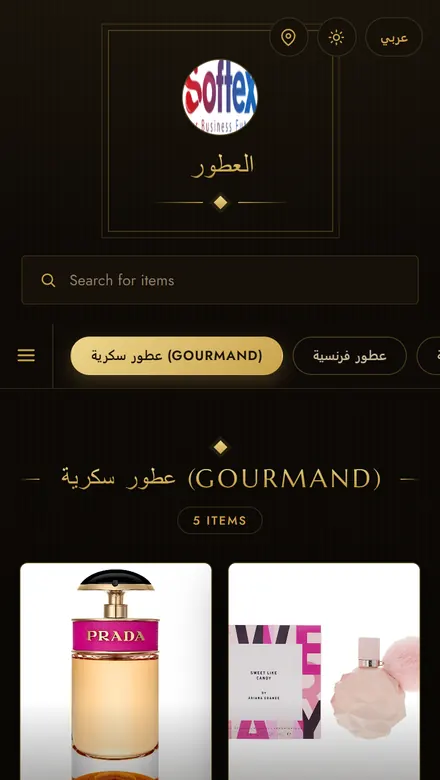
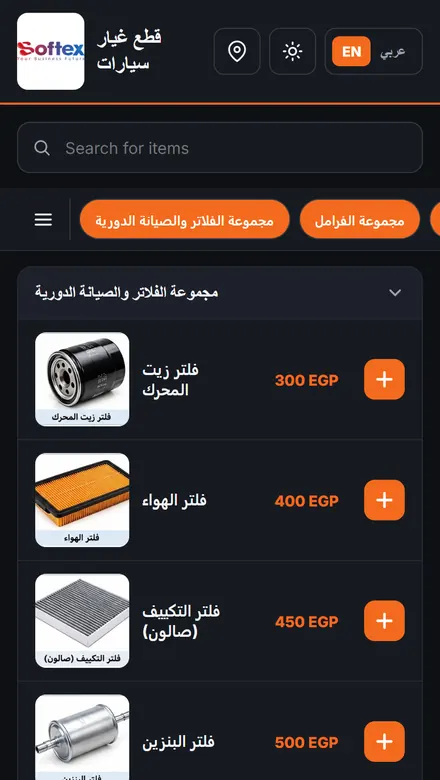
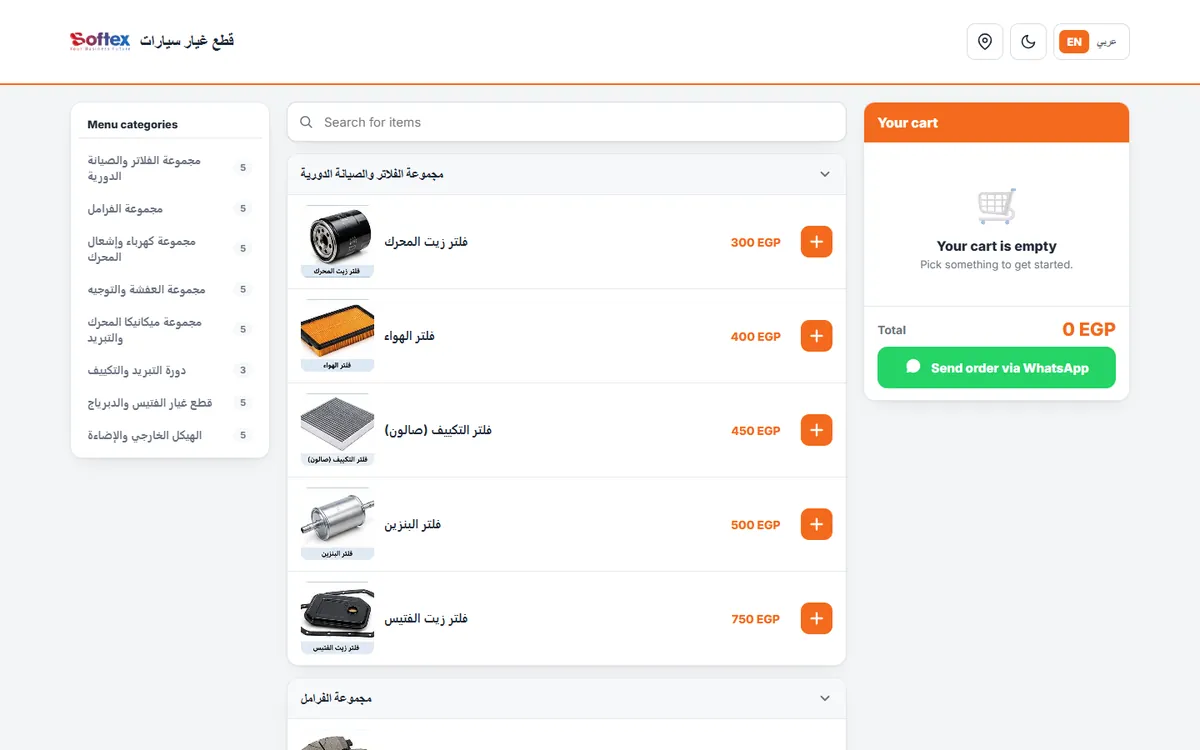
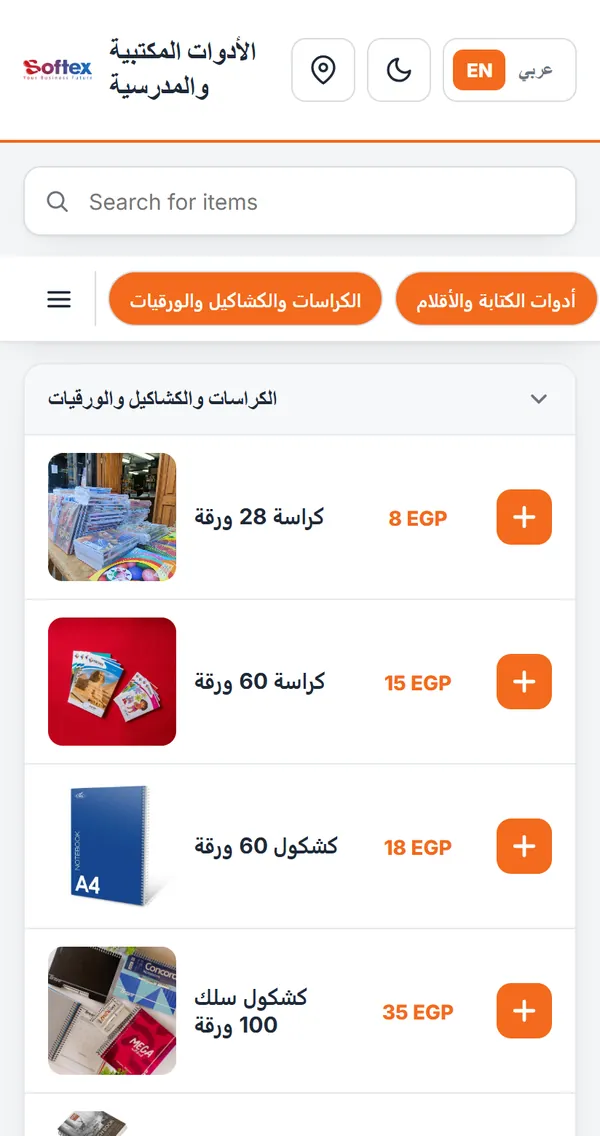
MC Menus is not limited to restaurants. It suits any business that sells products, including restaurants and cafés, sweet and dessert shops, perfume and beauty stores, stationery and school supplies shops, automotive spare parts dealers, hypermarkets, supermarkets and other retail stores.
Can MC Menus support multiple languages?
Yes. A menu can be published in Arabic, English or both. When both languages are enabled, a language switch appears in the menu and visitors change the interface language with one tap. Product names and descriptions are shown as you enter them.
Can businesses customize their digital menus?
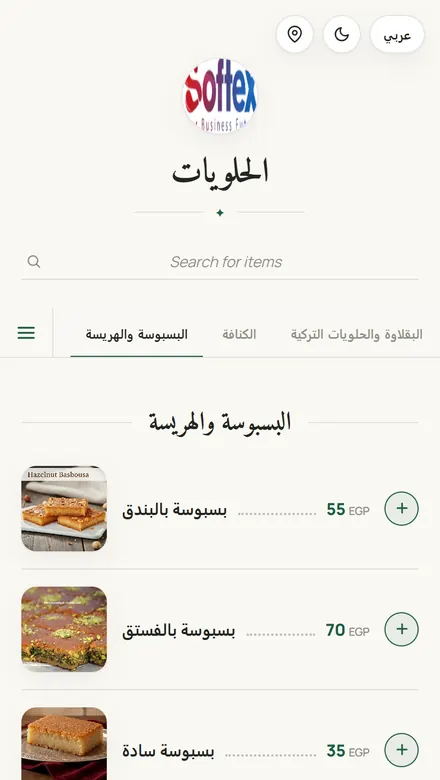
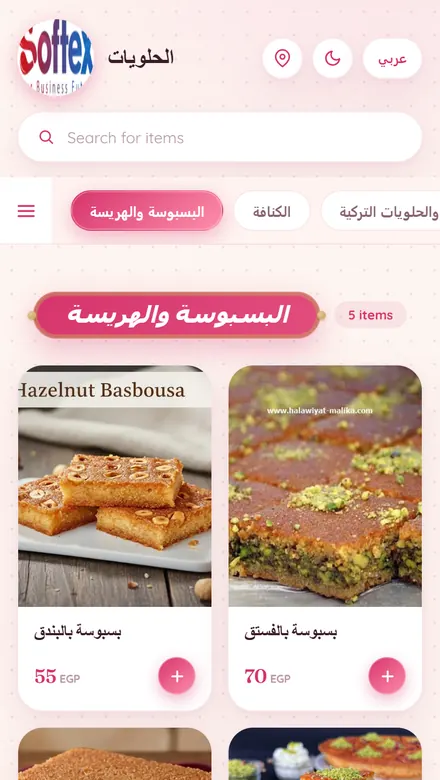
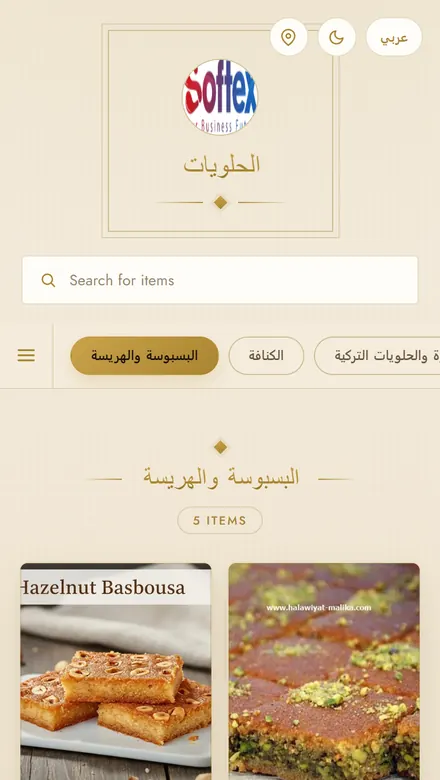
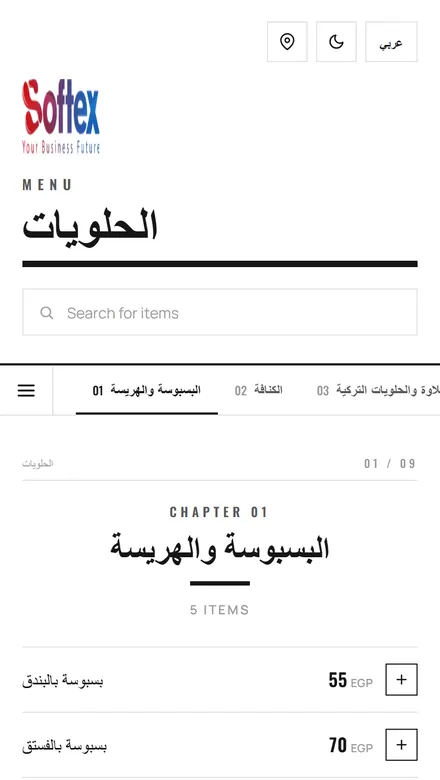
Yes. Each menu can use one of 8 templates, open in a light or dark theme, show or hide product and category images and choose their size, set the currency name shown with prices, show prices including VAT and an estimated preparation time in the cart, display the business logo and a map link, enable a WhatsApp order cart and show a viewer password screen.
How can businesses share their online menus?
Every MC Menus menu has its own public link. Businesses can send it on WhatsApp, post it on social media or add it to their website. The menu opens in any web browser, with no app to install.
Does MC Menus generate QR codes?
MC Menus provides a public link for each menu. It does not include a built-in QR code generator, but the link can be turned into a QR code with any QR code tool.
Can a menu show more than one currency?
Each menu shows its prices with one currency name that you set. MC Menus does not convert prices between currencies.
Where does the menu data come from?
From the Market Control database. Each menu, its categories and items are stored there. Prices come from the item’s sell prices according to the menu’s pricing policy, or from a custom price set for the menu.
Do customers need to install an app?
No. MC Menus runs in the web browser, so customers simply open the link on their phone, tablet or computer.
Can customers order from the menu?
Yes, when the cart is enabled. Customers add products, adjust quantities and send the order as a WhatsApp message to the business, or copy the order text.
Where can I see real MC Menus examples?
This page links to five live MC Menus catalogs: a stationery and school supplies shop, a sweets and desserts shop, a perfume store, an automotive spare parts dealer and a hypermarket. Each example opens the real, working menu.
 Live example